
- active installs
- 3K+
- 4 ratings
- 4.0
- since last update
- 665d
- releases in 12 months
- 0
- support threads resolved
- —
- avg daily downloads
- 20
- on WordPress.org
- 2.6 years
AppScenic at a glance
AppScenic is a free WordPress AI WooCommerce plugin by AppScenic with 3K+ active installs and a 4.0/5 rating from 4 reviews. It was last updated on Jan 13, 2025, is tested up to WordPress 6.7.11 and needs PHP 7.0+. It has no published security vulnerabilities in the Wordfence database. Our quality score is 55/100.
What is AppScenic?
AppScenic connects a WooCommerce store to the AppScenic dropshipping platform. You pick products from its supplier network and import them into your store, and orders are passed to the supplier for fulfillment. Stock and prices are kept in sync, and tracking numbers come back to your store automatically.
It is for store owners who want to sell products without holding inventory. The listing says suppliers are based in places such as the USA, EU, UK, Canada and Australia, with shipping of 2 to 5 days through carriers like DHL, FedEx and UPS. Setup means installing the plugin, clicking connect and finishing on the AppScenic website.
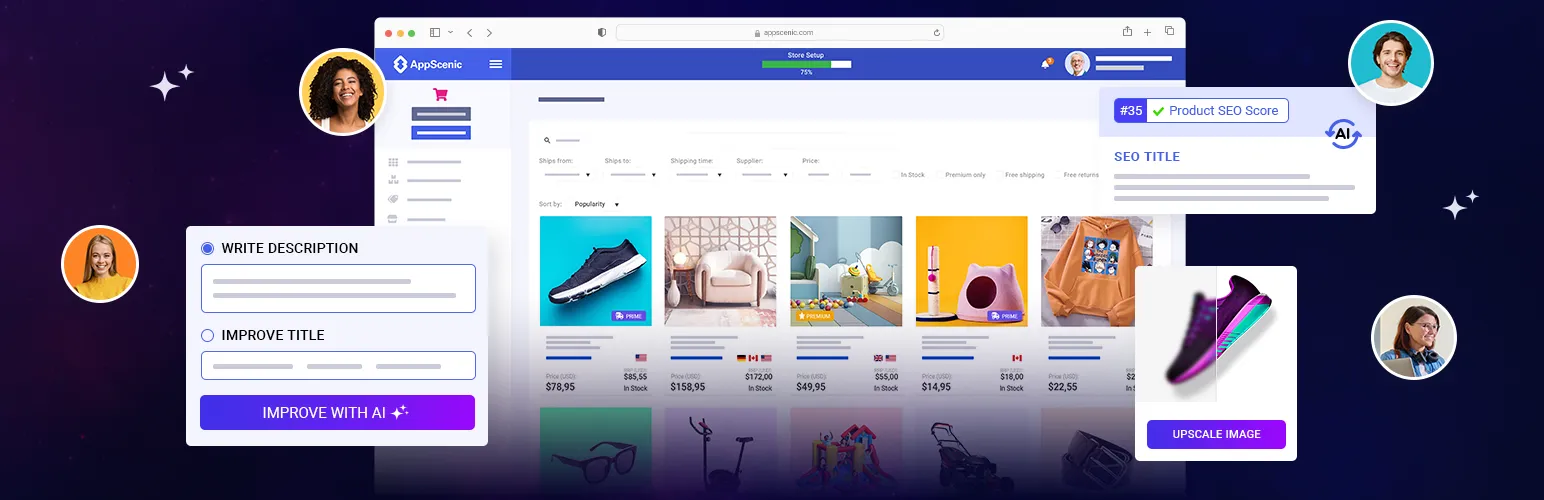
The plugin also adds AI tools for product listings, such as titles, descriptions and SEO fields, and bulk image upscaling up to 4x. The plugin itself is a connector. The real service, supplier access and pricing live on the AppScenic platform, so you need an AppScenic account to use it.
Best for
- New WooCommerce stores with no inventory budget
- Sellers who want suppliers in the USA, UK or EU
- Owners who want automated order and tracking sync
- Stores that want AI help with product listings
AppScenic features
Supplier network access
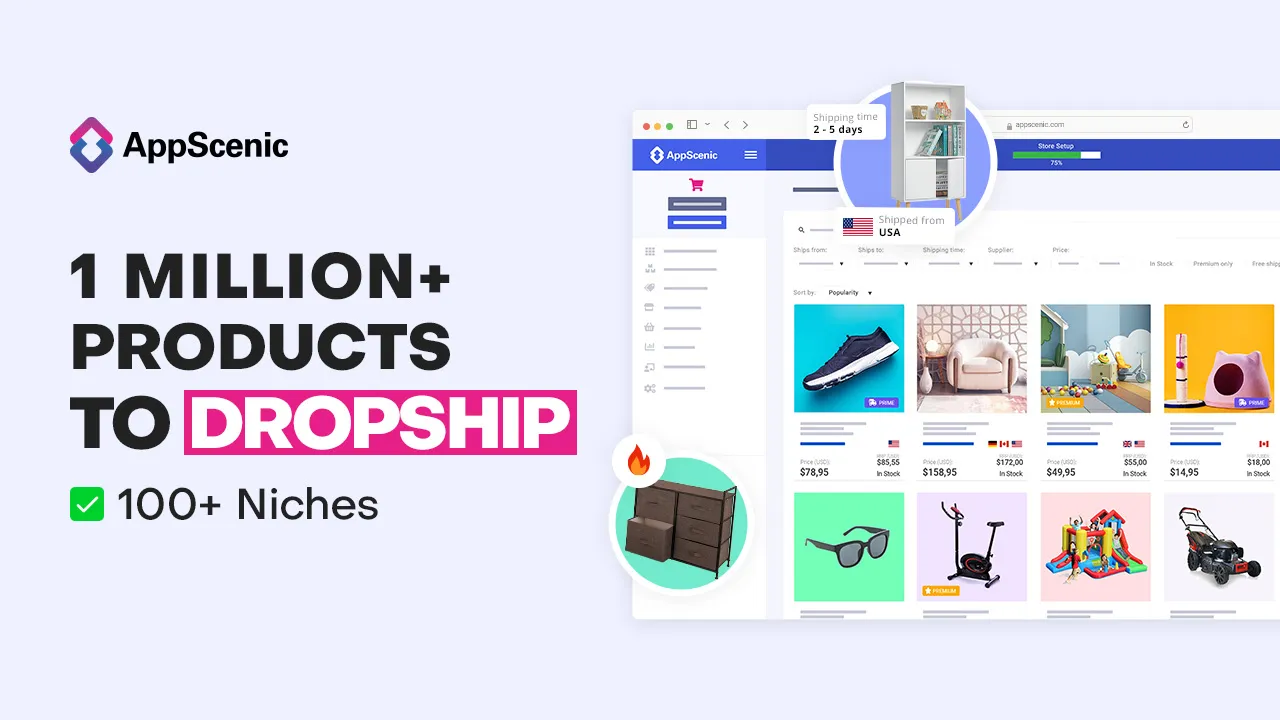
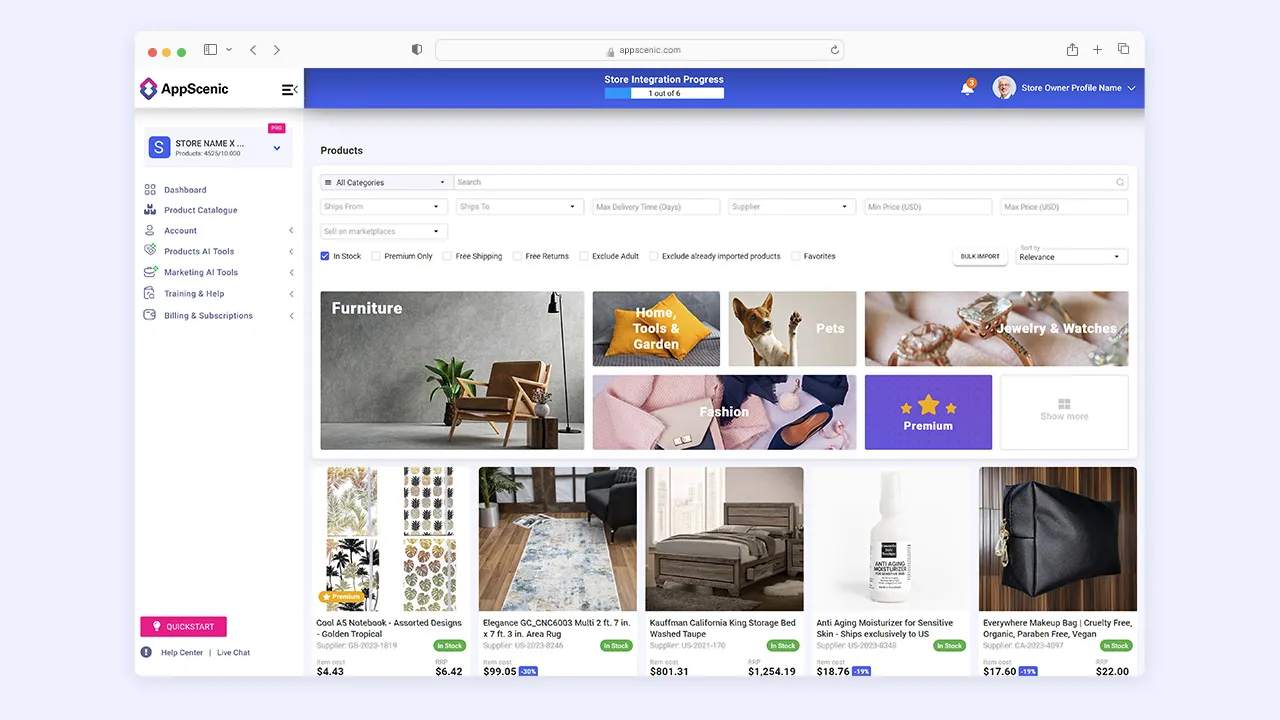
Browse and import products from verified dropshipping and wholesale suppliers. The listing claims over 1 million products.
One-click product import
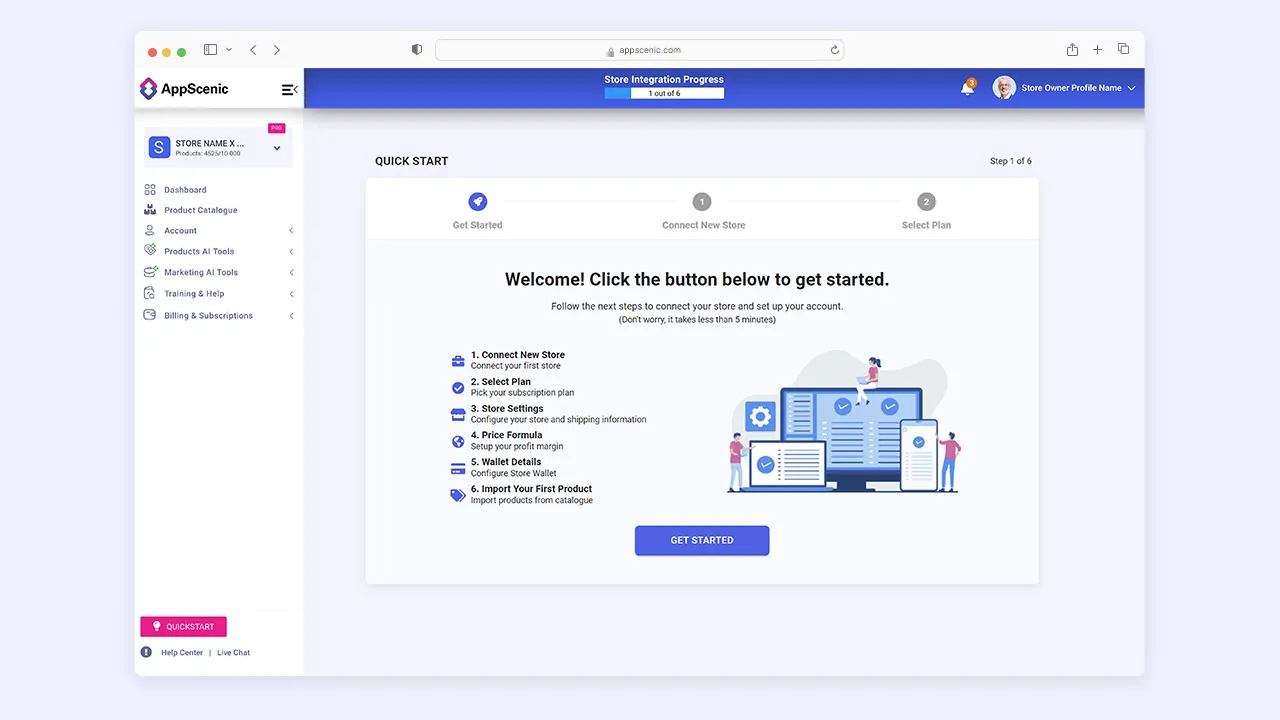
Create an account, connect your store and import products. Setup is described as taking a few minutes.
Automated order flow
Orders from your store are sent to the platform and on to the supplier. This avoids manual order forwarding.
Stock and price sync
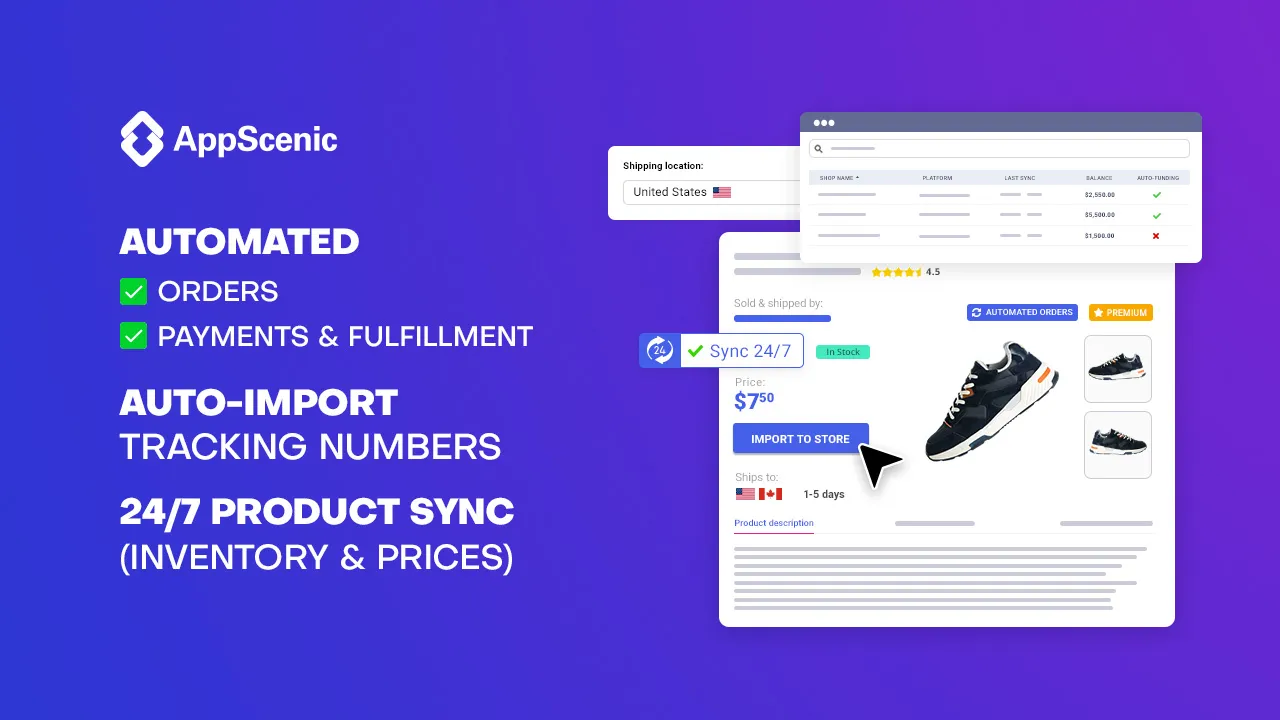
Inventory and prices are said to sync between your store and the suppliers around the clock.
Tracking number import
Tracking numbers are brought into your store automatically after shipping.
AI product optimization
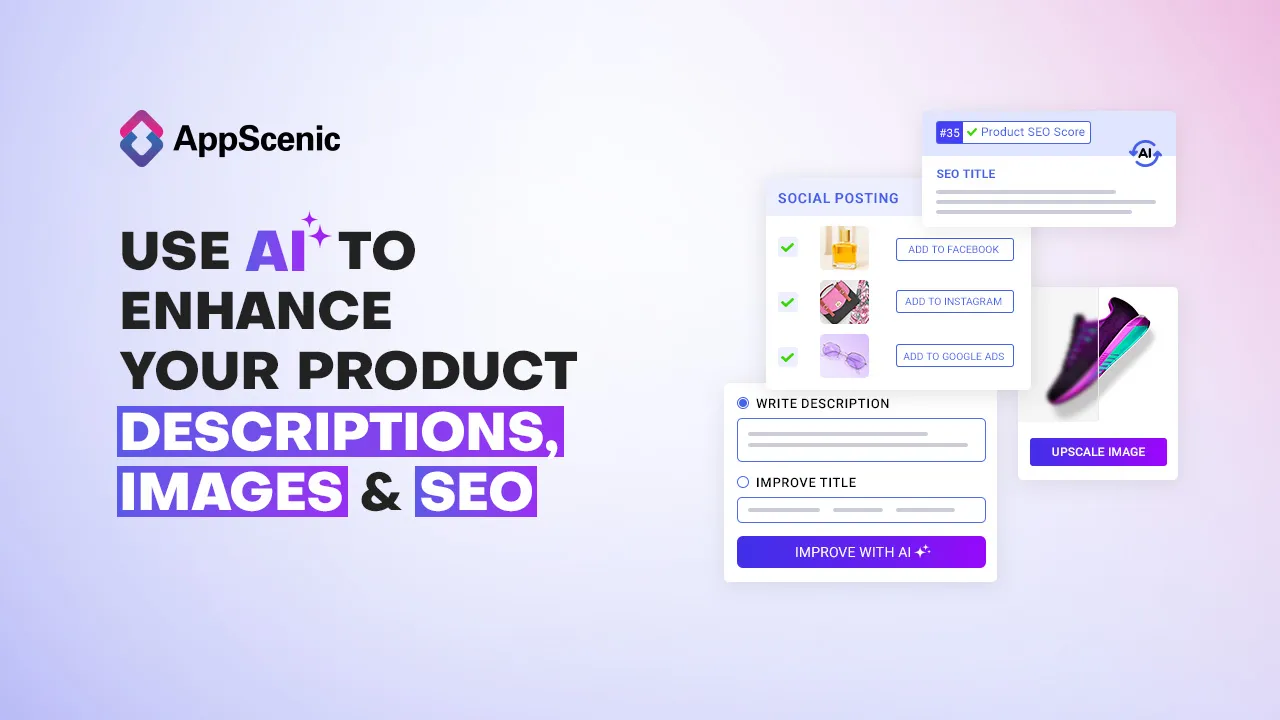
Generate product titles and descriptions and SEO items such as meta tags and breadcrumbs using AI.
Bulk image upscaling
Upscale product images up to 4x in bulk with AI.
Planned AI features
The listing mentions upcoming tools such as an AI marketing creator and smart pricing. These are not yet confirmed as available.
AppScenic free vs pro
Free WordPress.org version
- The WordPress plugin connector for WooCommerce
- An AppScenic account with a free plan that the FAQ says does not expire
Pro Paid version
- Paid monthly and yearly subscription plans exist on the AppScenic platform
- The listing does not itemize what each plan includes
The plugin is free but it needs an AppScenic account. The FAQ describes a never-expiring free account and paid monthly or yearly plans, with supplier orders paid through an AppScenic wallet. Prices are not stated in the listing.
How to use AppScenic
- Install and activate
In wp-admin go to Plugins → Add New, search for AppScenic, then click Install Now and Activate.
- Open AppScenic
Click AppScenic in the main admin menu.
- Connect your store
Click Connect this Store to AppScenic. You are sent to the AppScenic website to log in or sign up.
- Choose and import products
On the platform, browse suppliers and products and import them into your WooCommerce store.
- Optimize listings
Use the AI tools to improve titles, descriptions and images, then review each product before publishing.
AppScenic screenshots (8)
-
1 million+ products -
Top domestic suppliers -
Fast shipping time -
Automated sync -
AI -
Product catalogue -
Quick start -
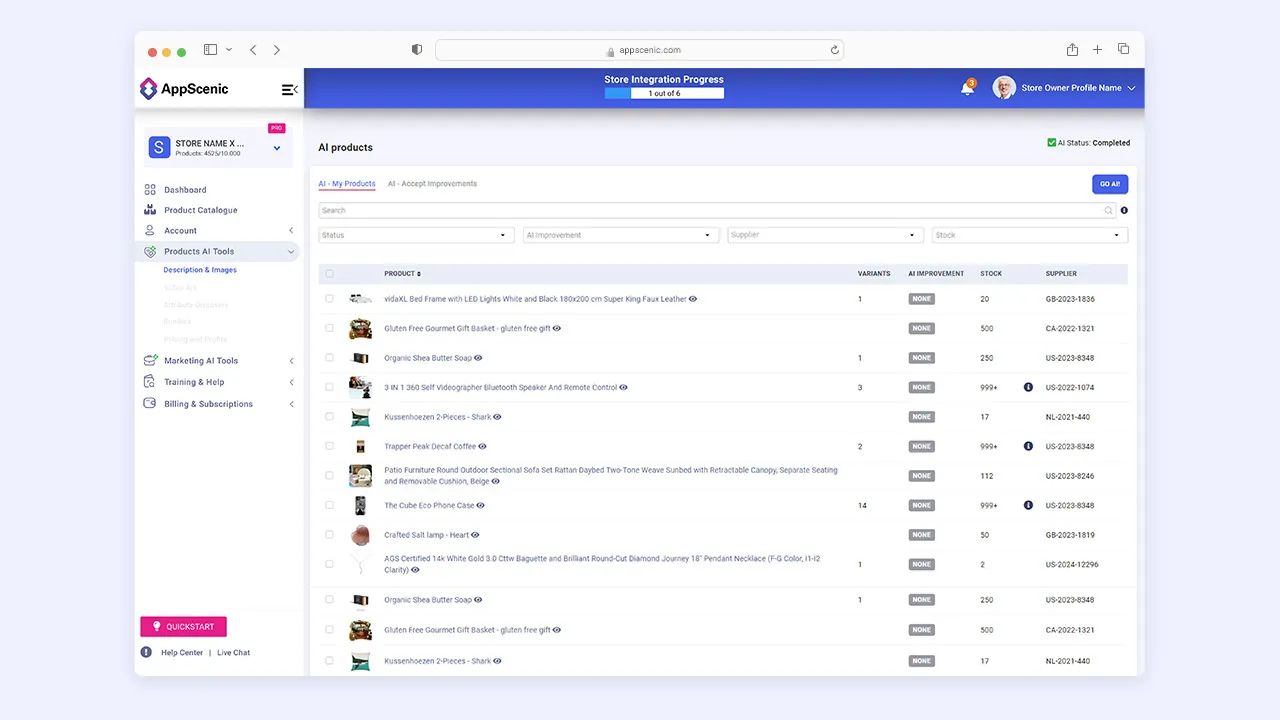
AI tools
Important information
- Requires WordPress 5.4 or newer and PHP 7.0 or newer. The listing shows testing only up to WordPress 6.7.11.
- The plugin depends on the AppScenic platform, which acts as the go-between for your store and suppliers. Your store data is shared with that service.
- Supplier orders are billed through an AppScenic wallet. The FAQ lists bank transfer, Wise and credit card, and subscriptions can be paid by card.
- Shipping times, stock and supplier quality depend on third parties. Test with a sample order before promoting products.
- No published vulnerabilities are recorded for this plugin.
From the AppScenic readme
Straight from the developer's WordPress.org listing.
Full description
Expand your WooCommerce store catalogue with no upfront inventory cost. Source high-quality products from verified domestic suppliers, and enhance your store with smart AI dropshipping.
Short Key Points:
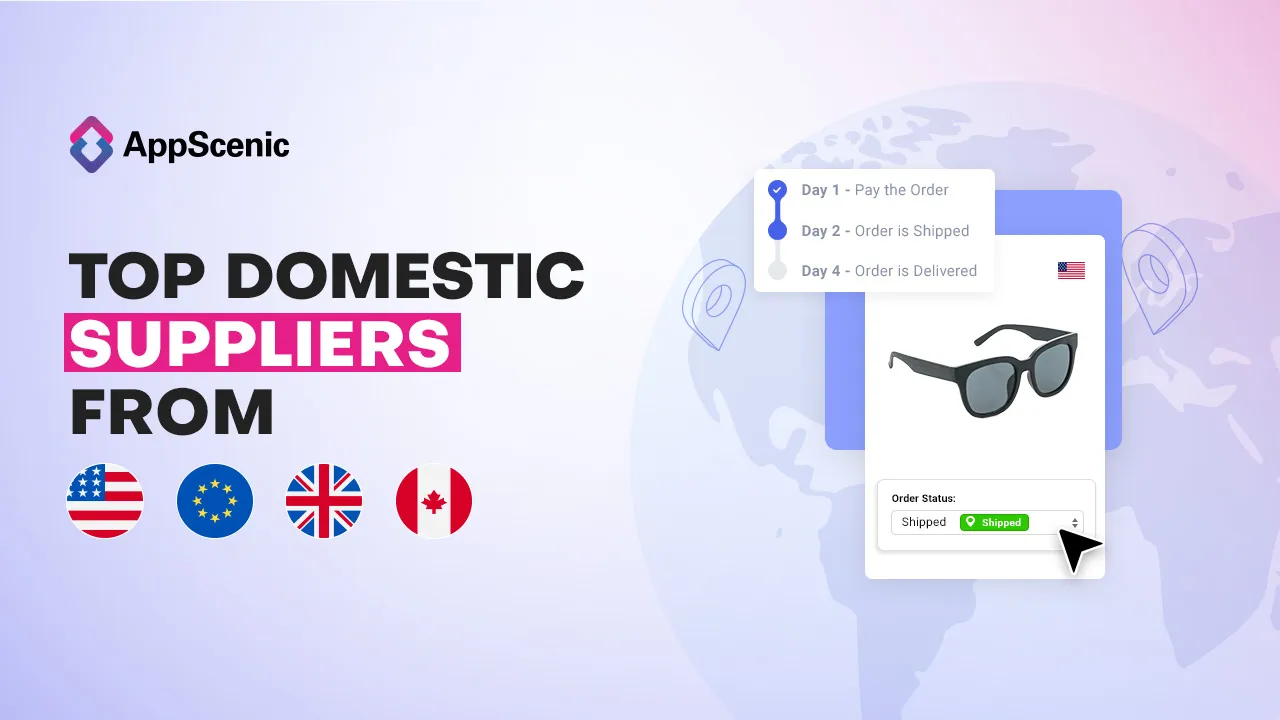
• Discover unique suppliers. Dropship from fast & verified local suppliers in the USA, EU, UK CAN, AUS, and more.
• Explore over 1 million products. Import thousands of limited and premium dropshipping products.
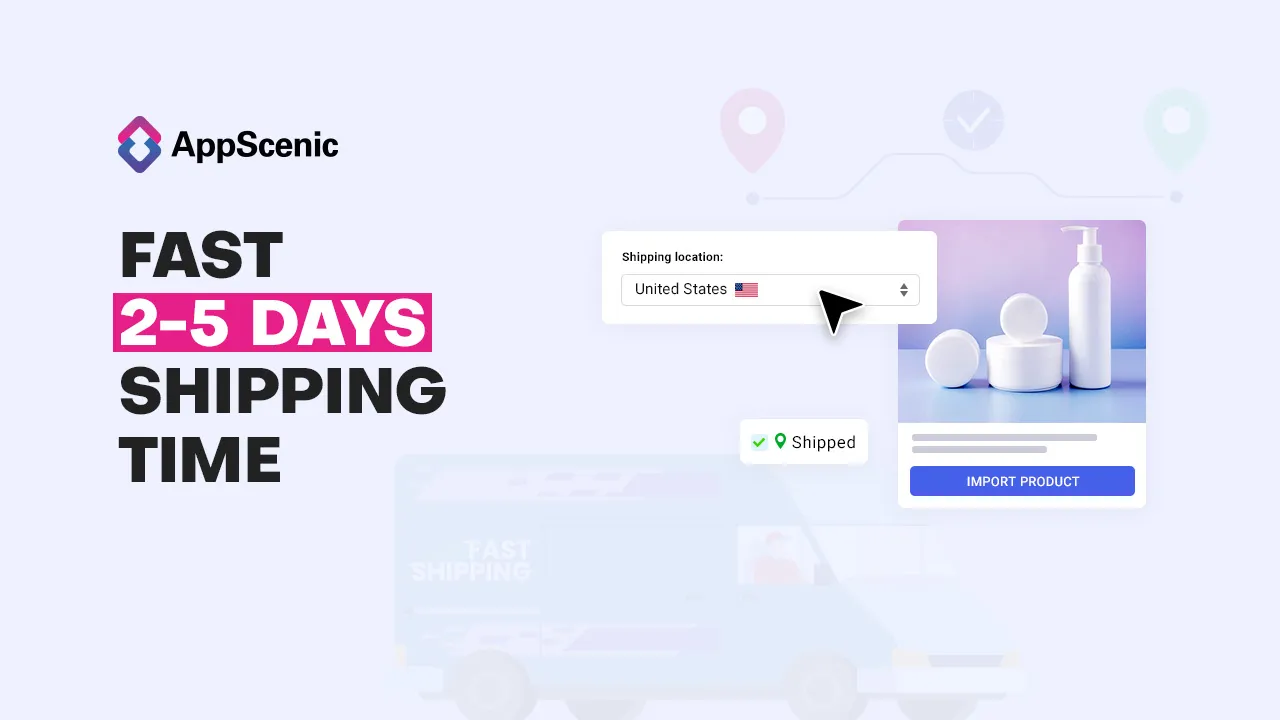
• 2-5 Days fast shipping with DHL, FedEx, UPS, DPD, GLS, etc.
• Automated orders. Stock & price are synced 24/7 between you and our suppliers.
• Auto-Import Tracking. Tracking numbers are imported to your store automatically.
• AI-powered dropshipping. Optimize your product titles, descriptions, images and SEO with AI.
• Fast Setup. Create an account, connect your store & import products with 1-click.
Getting Started:
• Install and activate the plugin.
• In the main menu, click on “AppScenic”.
• Click on “Connect this Store to AppScenic”.
• You will be redirected to www.AppScenic.com where you will have to log in and follow the instructions.
How-To Videos
How to connect your WooCommerce store with AppScenic Plugin:
How to install the AppScenic Plugin from your WordPress Dashboard:
Key Features:
• Effortless Supplier Connection: Connect your WooCommerce store to a network of high-quality dropshipping and wholesale suppliers. Access fast and verified suppliers located in top-tier countries such as the USA, UK, EU, and Canada.
• Automated Operations: Experience the efficiency of automated processes. Our plugin ensures that orders are seamlessly processed, stock levels remain synchronised, and prices are updated in real time between your store and our suppliers. Say goodbye to manual updates and hello to streamlined operations.
• AI-Powered Product Optimization: Harness the power of AI and ChatGPT to revolutionize your product listings. Generate high-quality titles and descriptions effortlessly. Optimize your products for SEO with AI-generated titles, descriptions, meta tags, breadcrumbs, and more. Enhance the discoverability of your products and attract more customers.
• Bulk Image Upscaling: Give your product images a visual boost with the click of a button. Our AI technology allows you to upscale product images up to 4X in bulk, ensuring your store features stunning visuals that captivate your audience.
• What’s Next: Stay ahead of the curve with our upcoming AI features, including the AI Marketing Creator, Dropshipping AI Assistant, Email Automation, AI Product Attribute Visual Discovery, Data-Driven AI Product Research, Smart AI Pricing & Profits, and more. Powered by AI and ChatGPT 4, these features will further enhance your dropshipping success.
Our plugin integrates with AppScenic’s proprietary platform to fetch product information, inventory updates, and order processing functionalities. The AppScenic platform acts as an intermediary between the retailers’ WooCommerce stores and their suppliers or AppScenic’s product database, ensuring that product listings are up-to-date and orders are synchronised in real-time.
Discover a new smarter way of dropshipping with AppScenic for WooCommerce.
Want to Learn More?
Head over to our blog for an in-depth look at all the new features and how they can benefit your business.
Read More on Our Blog
Important Links
Get Started Today: https://appscenic.com
AppScenic Suppliers: https://appscenic.com/dropshipping-suppliers/
Dropshipping Products: https://appscenic.com/products/
Dropshipping Automation: https://appscenic.com/automation/
AI Tools: https://appscenic.com/ai-for-dropshipping-new-release/
Pricing: https://appscenic.com/pricing/
Terms of Service: https://appscenic.com/terms-of-service/
Privacy Policy: https://appscenic.com/privacy-policy/
Developer FAQ (10)
- How to create an AppScenic account?
- Go to appscenic.com and click on the Start Free Trial button from the upper left corner of our website. Simply fill out the form and sign up with your email address and full name. Then, choose a password and click that you agree with our terms and conditions too. Before finishing, be sure to click on the I’m not a robot box. And that’s all, you now have an AppScenic account.
- What is AppScenic and how does it work?
- AppScenic is the ultimate and most advanced AI dropshipping automation platform you can use to grow your online business! We’re giving you one platform for everything – manage your team, handle orders, and, most importantly, find high-quality, scalable products from trusted and top-rated suppliers. More than that, AppScenic is a dropshipping platform where retailers can work only with the suppliers closest to their customers; it’s even possible to have your products shipped directly from the USA, Europe, UK, Canada, Australia, etc.
- How to set up your AppScenic Account?
- Setting up your AppScenic Account and starting to sell takes only 5 minutes! It’s that easy! Step 1. Create an account. You only need your email to create an account. No credit card is required, and no setup fees are involved. Step 2. Connect your store. Simply connect your store using our built-in integrations. There never was an easier way to start dropshipping. Step 3. Choose a subscription plan. When you set up your AppScenic account, you must choose one of our plans. Step 4. Configure your store and shipping information. This is where you specify your store’s shipping settings. Step 5. Set up your profit margin. Set up the Default Price Formula for your store. Step 6. Configure your payment details. You need to set up your AppScenic Wallet to deliver your first order. Step 7. Import products. Add products to your store automatically in bulk or one by one. Start selling right away with automated orders.
- What is the order process?
- Step 1. An order is placed by your customer. We automatically import orders from your store straight into our platform almost instantly. Step 2. That order is sent to the supplier, who then processes and ships it as soon as possible. Step 3. A tracking number is updated. We automatically import the tracking number(s) to your store. Step 4. The order is usually delivered only a few days after it’s shipped by the supplier.
- Can I change my subscription plan after I sign up?
- Yes, of course. You can switch from monthly to annual payments anytime you like. Also, you can upgrade or downgrade from any type of plan to another. If you need our help you can contact our customer support.
- What payment methods do you accept?
- We work with the most popular payment methods in the world. You can pay your AppScenic subscription via any debit or credit card and your orders via Bank transfer, Wise and Credit Card.
- How will you bill me for my orders?
- We’ve built an innovative wallet system to help you pay your orders automatically with no manual interaction. Enable your auto-funding setting inside your AppScenic wallet, choose your favorite payment method, and we will fund your balance automatically every time you reach a pre-defined threshold. You can also set multiple backup payment methods, so you are always safe.
- Can I cancel my account anytime?
- We offer two types of subscription plans: monthly and yearly. Our Monthly plans can be terminated at any time. Cancellation for Monthly plans becomes effective at the end of the current billing month. Our yearly plan can be terminated at the end of each contract year.
- Does the Free account ever expire?
- No. The free account never expires. It’s free to use for as long as you need it, and of course, you can upgrade to any other subscription plan whenever you like.
- Is my store data really secure?
- AppScenic is designed with multiple layers of protection, covering data transfer, encryption, network configuration, and application-level controls, all distributed across a scalable, secure infrastructure.
Downloads, last 30 days
Trend vs previous period: +58.3%
Average daily downloads: 22 over the last 7 days , 20 over 30 days.
Security history
No known CVEs · 0 published vulnerabilities (Wordfence)
AppScenic FAQ
How do I create an AppScenic account?
Go to the AppScenic website and start the free trial. Sign up with your email and name, choose a password and accept the terms.
What does AppScenic do?
It is a dropshipping automation platform. It helps you find suppliers, import products, manage orders and use AI on listings.
How long does setup take?
The vendor says about five minutes. You create an account, connect your store and import products.
How does the order process work?
A customer orders in your store, the order is imported to the platform and sent to the supplier. The supplier ships it and tracking comes back.
Can I change my plan later?
Yes. You can switch between monthly and annual billing and move between plans.
How are orders paid?
Through a wallet that can fund itself automatically from your chosen payment method.
Does the free account expire?
No, according to the FAQ. You can upgrade whenever you like.
AppScenic alternatives

Element Pack Lite is a powerful Elementor addon that extends the Elementor page builder with advanced Elementor widgets, ready-made Elementor templates and design extensions. Build professional WordPress websites…

WP Carousel builds carousels, 3D carousels, sliders, slideshows, grids and photo galleries right in the WordPress block editor, from your images, posts, WooCommerce products and YouTube or Vimeo videos. Start from a…
🏆 The #1 WooCommerce Product Feed Manager Plugin trusted by 90,000+ online stores worldwide. Stop losing sales to rejected product feeds. CTXFeed is the most powerful product feed plugin for WooCommerce , designed…
BEAR - WooCommerce Bulk Editor and Products Manager Professional (former name is WOOBE) is WordPress plugin for woocommerce bulk edit woocommerce products in the robust and flexible way! With a built-in MCP server,…

Want to build a multivendor marketplace where multiple vendors sell, and you earn on every transaction? Dokan is the easiest and fastest way to launch a multivendor marketplace on WordPress. Dokan is a well…

Built for Shop, Ready for Every Website. BEW gives Elementor the widgets, templates, and AI tools to launch and grow your online store - or any website - faster. WooCommerce is at its core, with 16 widgets built for…
Listing data from WordPress.org and the Wordfence vulnerability feed, refreshed Nov 9, 2026; listing details fetched Nov 14, 2026. Screenshots are from the plugin's WordPress.org listing. Not affiliated with AppScenic.